Software & downloads
Our own tools, built from the field.
AURIX Designer for full system and production design, Clarion Connect for DSP control and CueDeck for playing show cues. Download the latest version for your computer below; they keep themselves up to date.
Professional audio design & control

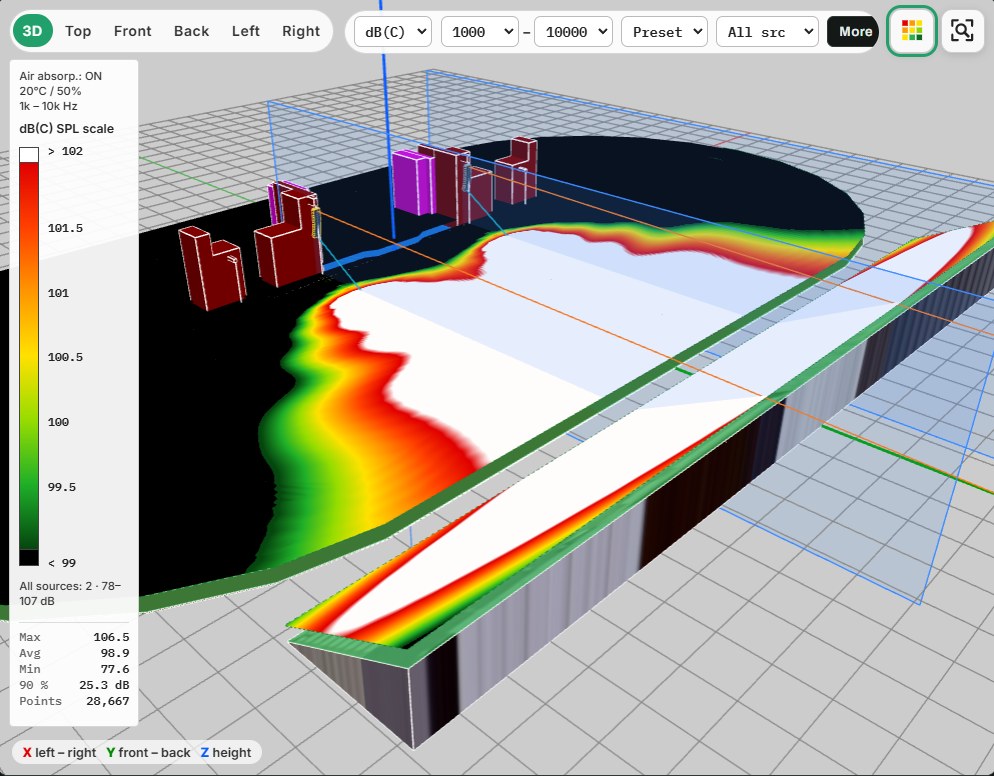
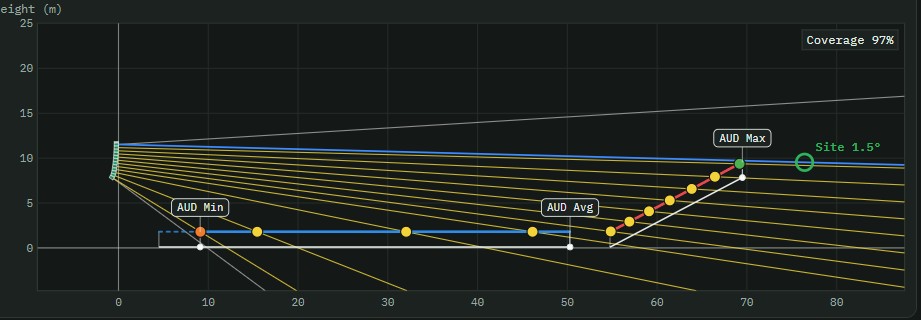
A professional audio system design, configuration and management platform, created by audio engineers with years in live sound and system engineering. AURIX Designer brings loudspeaker system design, array configuration, DSP preset management, network amplifier control, group processing, tuning and monitoring into one engineering environment.
- Design · Deploy · Tune · Monitor, in one workflow
- From a single amplifier to large touring and installed systems
- 3D coverage, array aiming and amplifier patching in one project
- Updates itself automatically every time it opens
Design
Venue modelling, loudspeaker placement, line array configuration and acoustic processing.
Deploy
DSP preset generation, amplifier assignment, input routing and network deployment.
Tune
Equalization, delay, group processing and system optimization.
Monitor
Amplifier status, signal monitoring and system diagnostics.
Developed by Aj Emerson, Abraham Richard and Bush Antyes · Ehnos Alpha Private Limited
Release notes
Loading release history…
AURIX Designer · screens
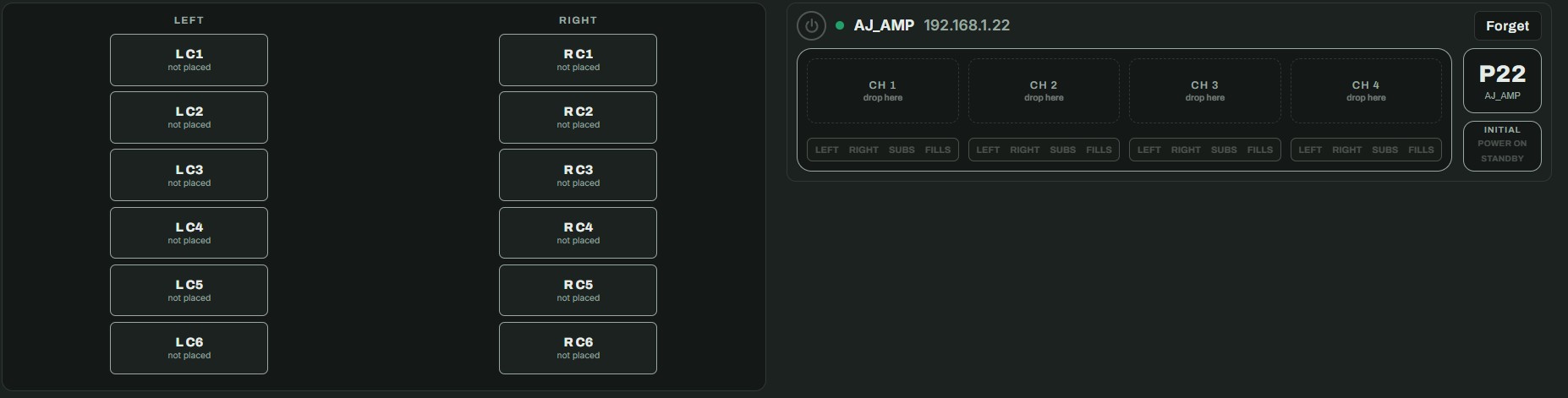
DSP control

Clarion Connect is the control software for Clarion KACESS48 and KDP48 digital signal processors (4 inputs, 8 outputs). Use it to set gain, routing, crossovers, EQ, FIR filters, dynamics and delay, and to save, recall and protect presets on the processor.
- For Clarion KACESS48 and KDP48 processors · 4 in, 8 out
- Connects over Ethernet, USB or COM · inputs from Analog, AES or Dante
- Windows 10/11, macOS (Apple silicon and Intel) and an iPad layout
- Built-in Help chat: ask Clarion support from the app, with a screenshot
- Updates itself automatically every time it opens
Inputs & outputs
Noise gate, crossover, PEQ, DEQ, delay, FIR, compressor, limiter and polarity on every channel.
Routing matrix
4×4 and 4×8 matrices with per-crosspoint gain, copy and paste rows, and default routing.
FIR & target designer
Design a target curve from presets or sliders, then see exactly what the FIR can and can't correct.
Presets & protection
Save, recall and lock presets on the processor, keep a library on your computer, and import or export packages.
Release notes
Loading release history…
Clarion Connect · screens
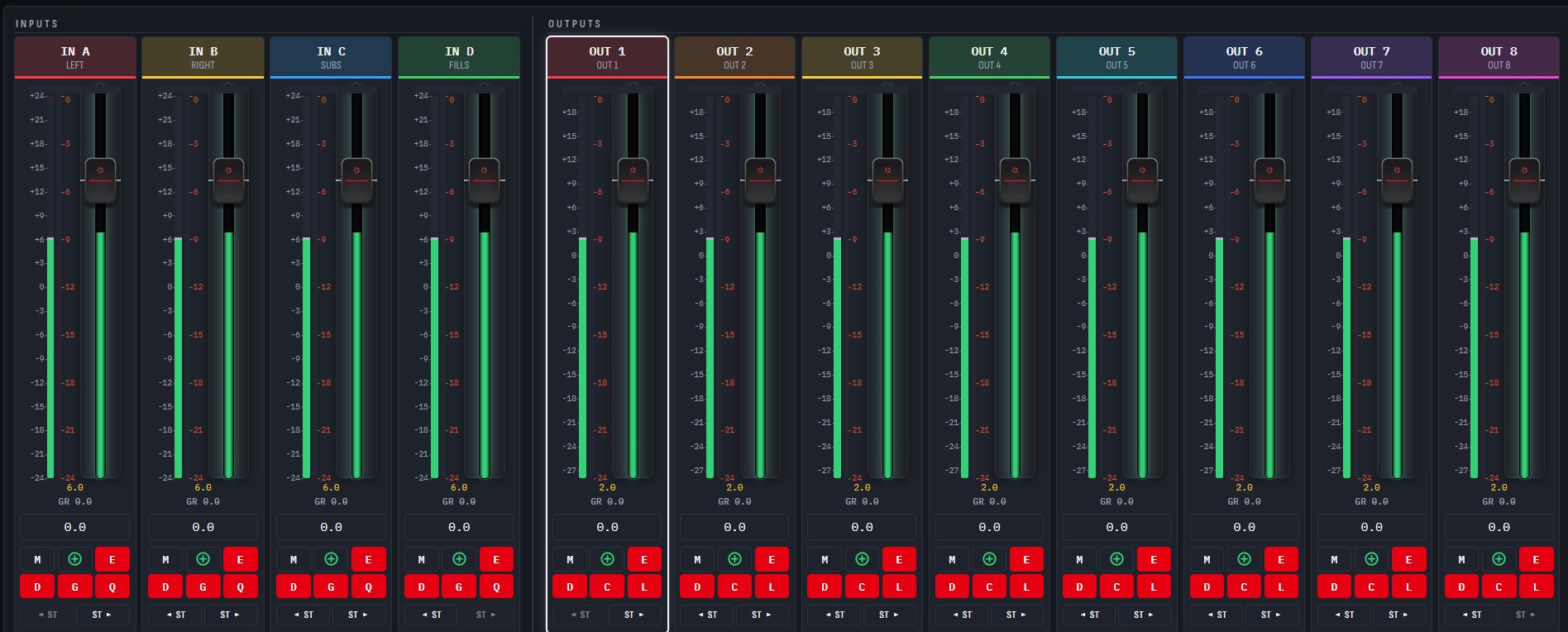
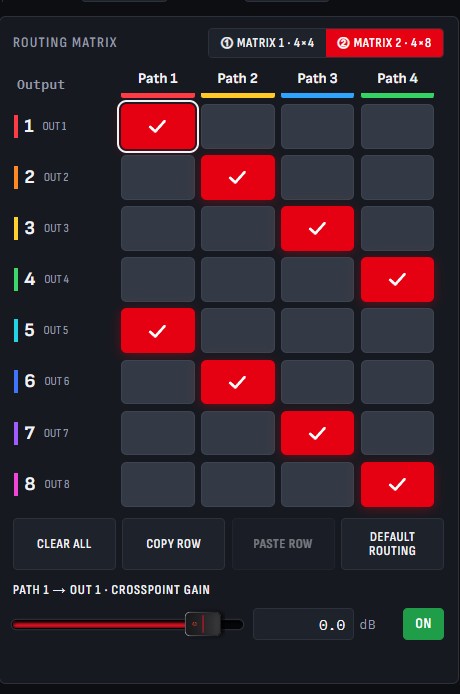
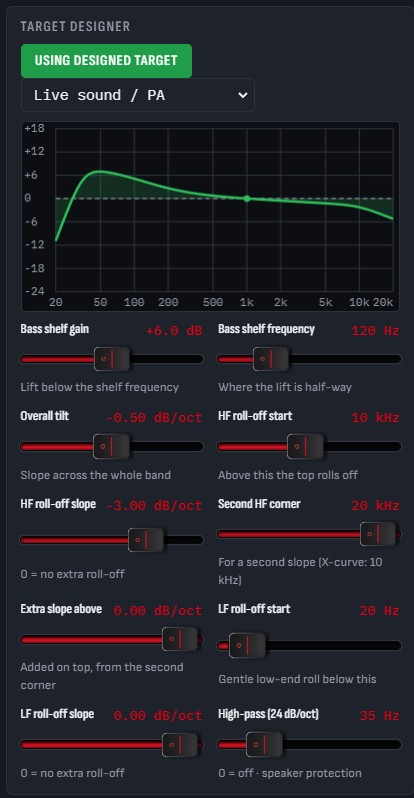
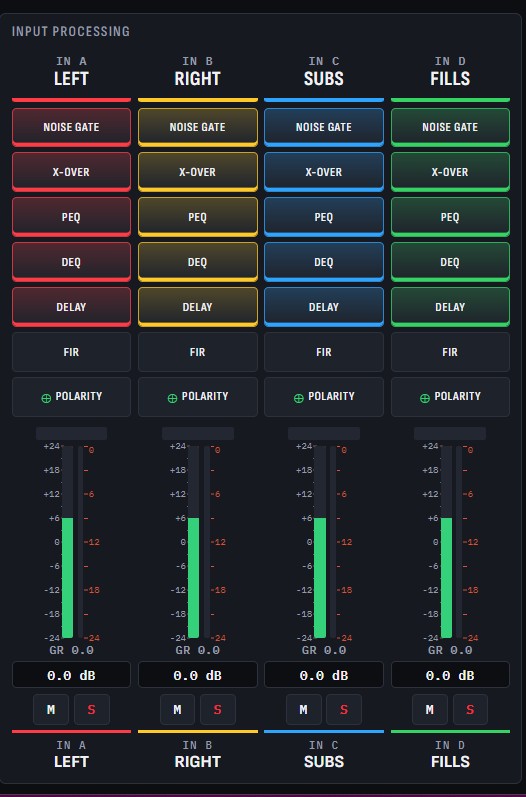
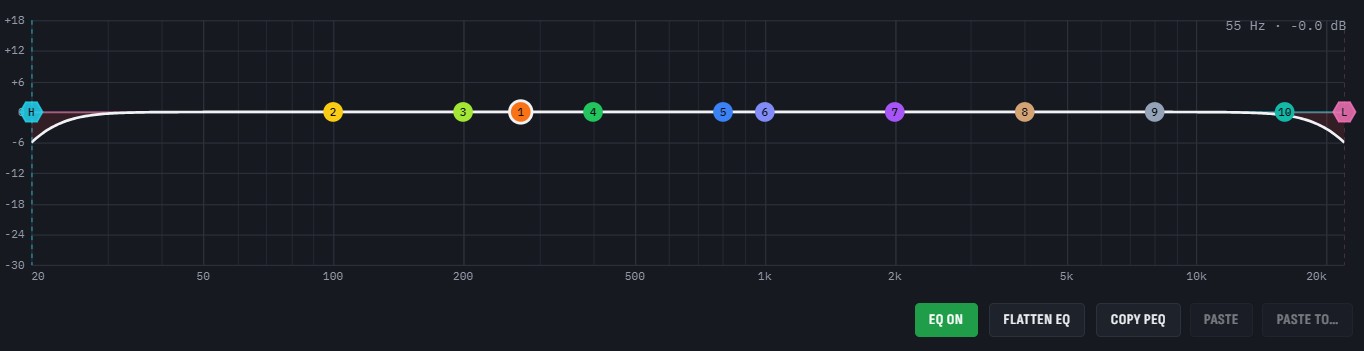
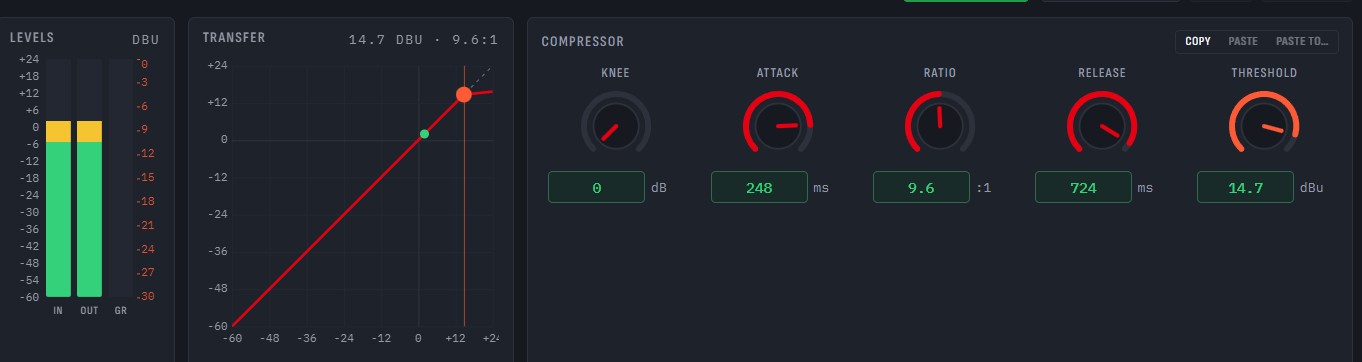
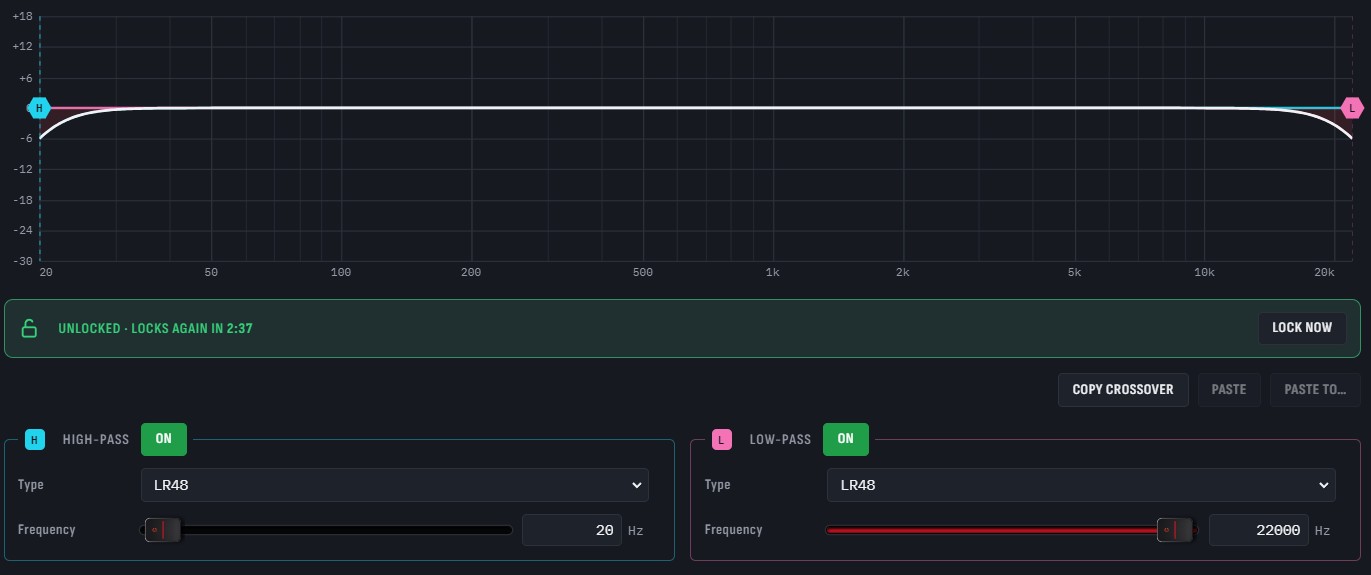
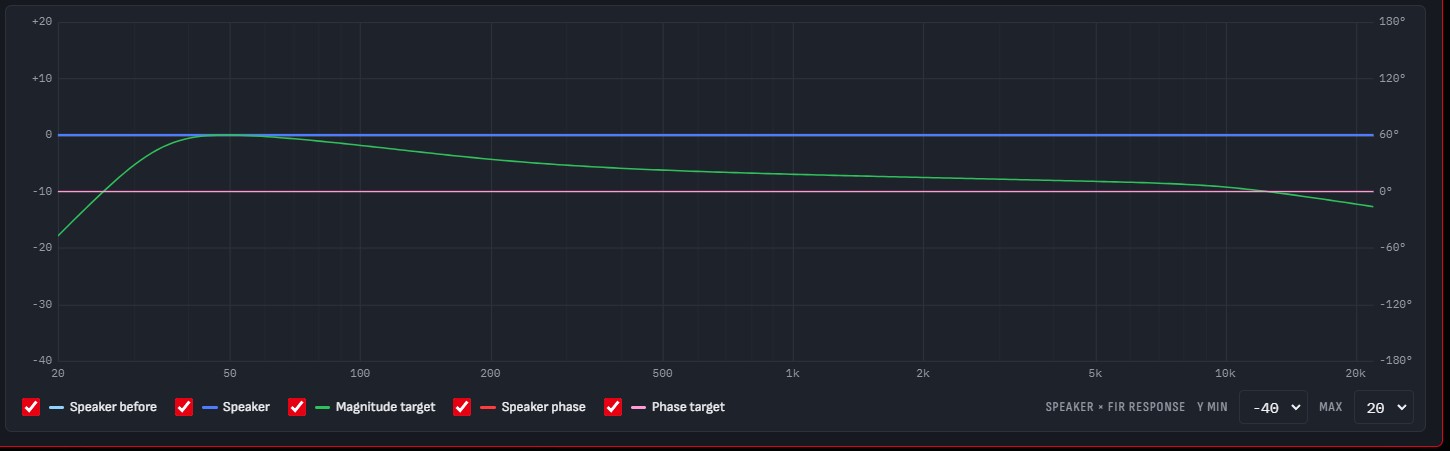
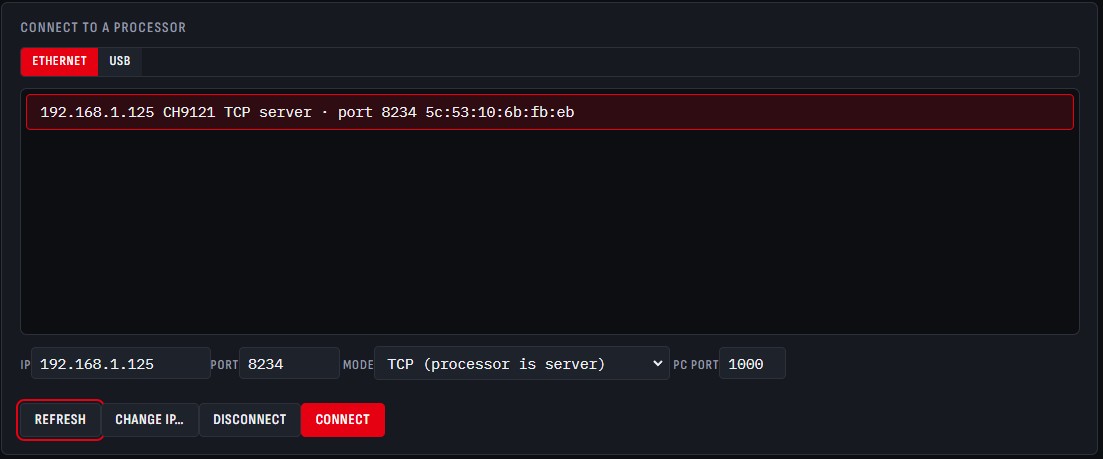
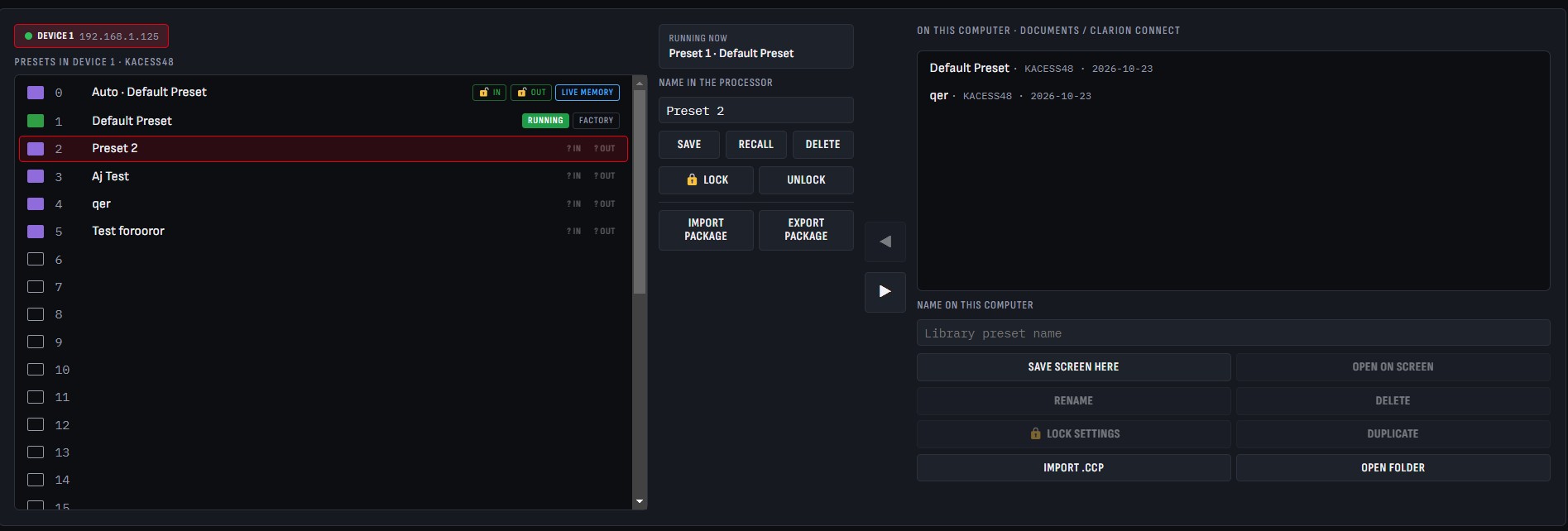
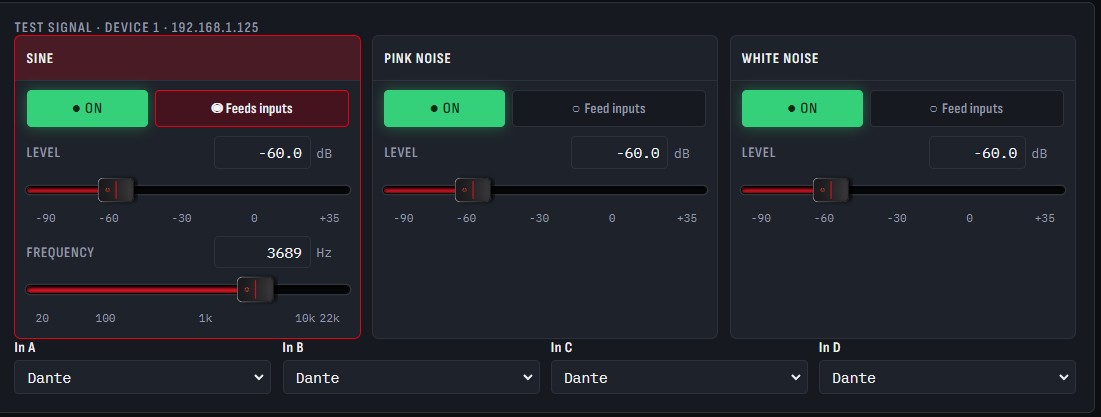
Show cue playback · Windows
CueDeck
CueDeck plays the sound for your show. Build a cue list, press GO, and every track, fade and stop happens on time, with the next cue always ready and one-button control when things change live.
- One big GO button and a cue list you can run with your eyes up
- Pause all, Resume all, Fade out all and Panic for live changes
- Plays out through ASIO, including Dante Virtual Soundcard
- Windows only
Cue list
Number, name, target, pre-wait, action and post-wait for every cue, with the running cue highlighted.
Fades & follow-ons
Fade other cues as a new one starts, fade out running cues on GO, and set fade-in and fade-out per cue.
Time & loops
Trim start and end on the waveform, set a play count or loop forever, and preview before the show.
Levels you can trust
Loudness (LUFS) and peak shown for every file, live output meters and a big remaining-time clock.
Release notes
Loading release history…
Automatic updates
Open the app. It's already current.
Both apps check our release feed every time they open, so every engineer on a show runs the same, latest version. Stable and beta channels are available.
Check for updates
Each time the app opens, and every 6 hours while it runs, it checks ehnosalpha.com for a newer version.
Download quietly
A newer version downloads in the background while you keep working.
Check the signature
The update must carry our digital signature and match its SHA-256 fingerprint, or it is thrown away.
Install on next launch
It installs the next time you open the app, so a show is never interrupted. Or choose Restart now.
Customer portal
Licensed customers.
Sign in with the email and license key from your purchase to reach licensed builds, older versions, the beta channel and your license details.
In the portal
- Licensed builds and every previous version
- Your license keys and activated seats
- Beta channel access for early features
- Direct support from our engineers
No license yet? Ask about licensing →